To open this dialog right click on the calendar and select View All Reminders for ... or double click on a day in calendar without clicking on a specific reminder.
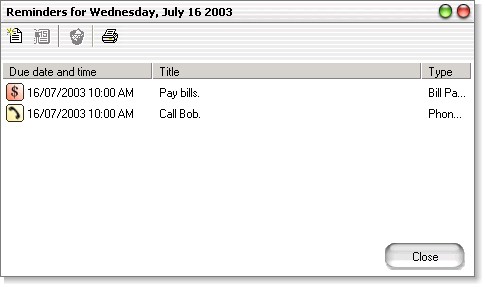
| · | The toolbar contains four buttons - "new", "view", "delete" and "print". You can use these buttons to create a new reminder for the selected day, print reminders for that day or to view/change/delete the reminder selected in the list below.
|
You can also double click on a reminder to view/change its properties or right click on a reminder to bring up the pop up menu with options.